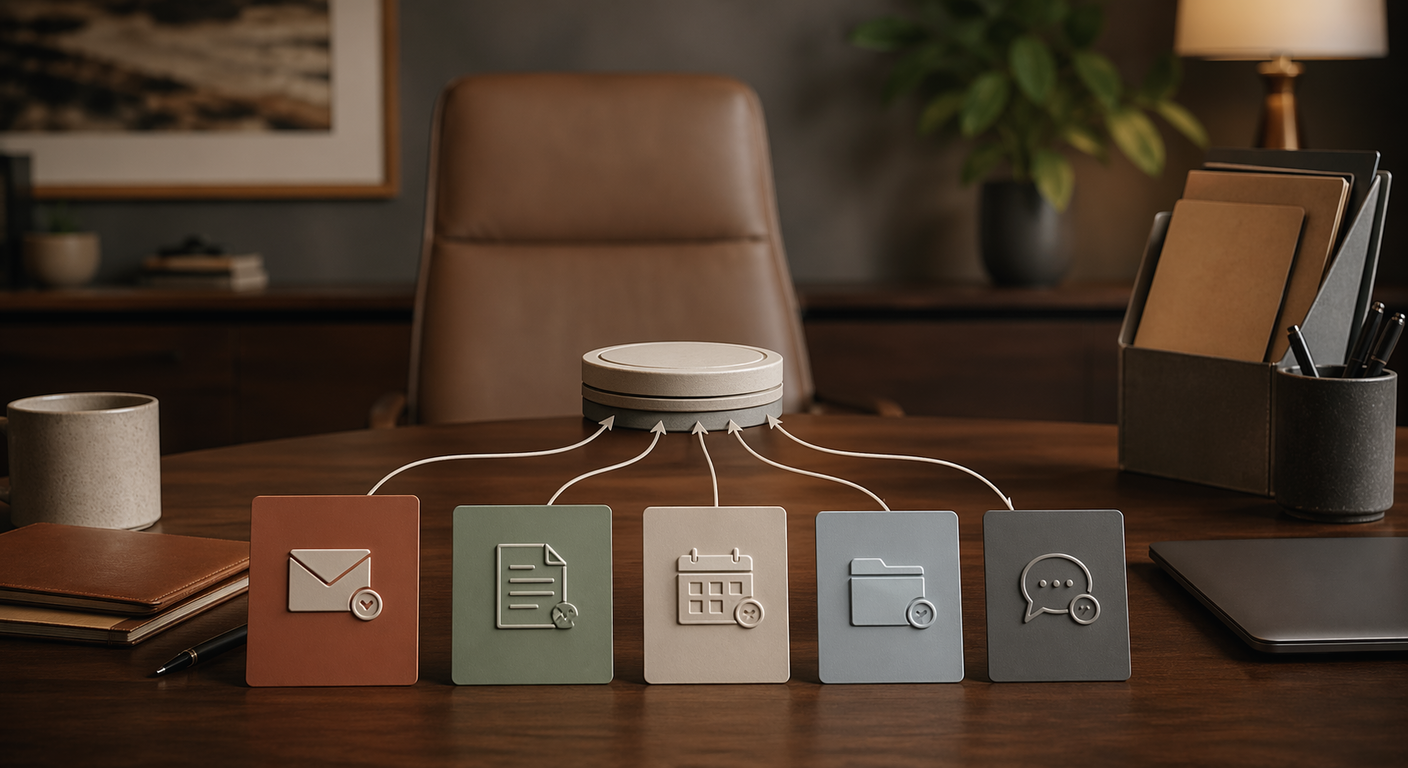
You're drowning in work. The obvious answer feels like "hire someone." But before you commit to €2,000+/month on a new team member, there's a smarter first step: automate the work that shouldn't need a human in the first place.
Here are five tasks that quietly eat 10+ hours every week, and what it looks like when AI handles them instead.
1. Research That Lives in 14 Open Tabs
You need to compare suppliers, check a competitor's pricing, or pull data for a pitch. So you open a dozen tabs, skim articles, copy-paste into a doc, and two hours later you have half a page of scattered notes.
What automation looks like: You tell an AI assistant: "Research the top 5 project management tools for teams under 10 people. Compare pricing, key features, and recent user reviews. Format as a table." You get a structured, sourced report back in minutes.
Time saved: 3-4 hours/week if research is part of your routine.
2. The Morning Email Sort
Not every email deserves the same attention. But your inbox treats them all equally. So you spend 30-45 minutes every morning just sorting, before you've actually responded to anything.
What automation looks like: AI reads context, not just keywords. It flags genuinely urgent messages, summarizes long threads into two sentences, and drafts replies for routine requests. You review, tweak, send. The thinking is already done.
Time saved: 30-45 minutes/day. Over a week, that's 3+ hours you didn't know you were losing.
3. Meeting Prep That Nobody Actually Does
Be honest: how often do you walk into a meeting cold? It's not laziness. It's that digging up old notes, reviewing action items, and writing talking points takes 20 minutes you don't have between back-to-back calls.
What automation looks like: Before each meeting, AI pulls notes from the last session, checks which action items were completed, and hands you a one-page brief. You walk in prepared in 2 minutes instead of 20. Or not at all.
Time saved: 15-20 minutes per meeting. With 5 meetings/week, that's nearly 2 hours back.
4. Staring at a Blank Page
Whether it's a LinkedIn post, a client update, or a proposal intro, the blank page is where productivity goes to die. Most people spend more time starting than actually writing.
What automation looks like: You give the AI your key points, the tone you want, and who it's for. It writes a first draft. You rewrite the parts that need your voice and publish. The writing is still yours. The 20-minute staring contest is just gone.
Time saved: 1-2 hours per piece. If you publish 2-3 times a week, that adds up fast.
5. Copy-Paste Between Systems
Updating your CRM after a call. Moving data from a spreadsheet to a report. Logging receipts. This work has to happen, but it requires zero judgment, zero creativity, and zero human insight. It's pure busy work.
What automation looks like: AI reads your call notes and updates the CRM. It processes receipts into your expense tracker. It syncs data between tools so you never copy-paste between tabs again.
Time saved: 1-3 hours/week depending on how many systems you juggle.
Add It Up
Here's what those five tasks look like combined:
- Research: 3 hours/week
- Email triage: 3 hours/week
- Meeting prep: 1.5 hours/week
- Content drafts: 3 hours/week
- Data entry: 2 hours/week
- Total: 12.5 hours/week
That's a part-time employee's worth of output, without the payroll, the onboarding, or the management overhead.
This doesn't mean you should never hire. It means you should automate first. So when you do hire, that person works on things that genuinely need a human brain: strategy, relationships, decisions. Not copy-paste.
How to Actually Start
Don't try all five at once. That's how people burn out on AI and go back to doing everything manually.
Instead:
- Pick the task that frustrates you most, the one you dread every week
- Set up automation for just that one thing
- Use it for a full week, not one day, a full week
- Measure the time difference. Be honest with the numbers
- Then move to the next one
The businesses that get the most out of AI aren't the ones with the fanciest tools. They're the ones that started with one boring task and kept going.