You know you should automate more. You've read the articles. You've bookmarked the tools. And yet, every Monday morning, you're still manually sending invoices, copying data between apps, and typing out the same onboarding email for the third time this month.
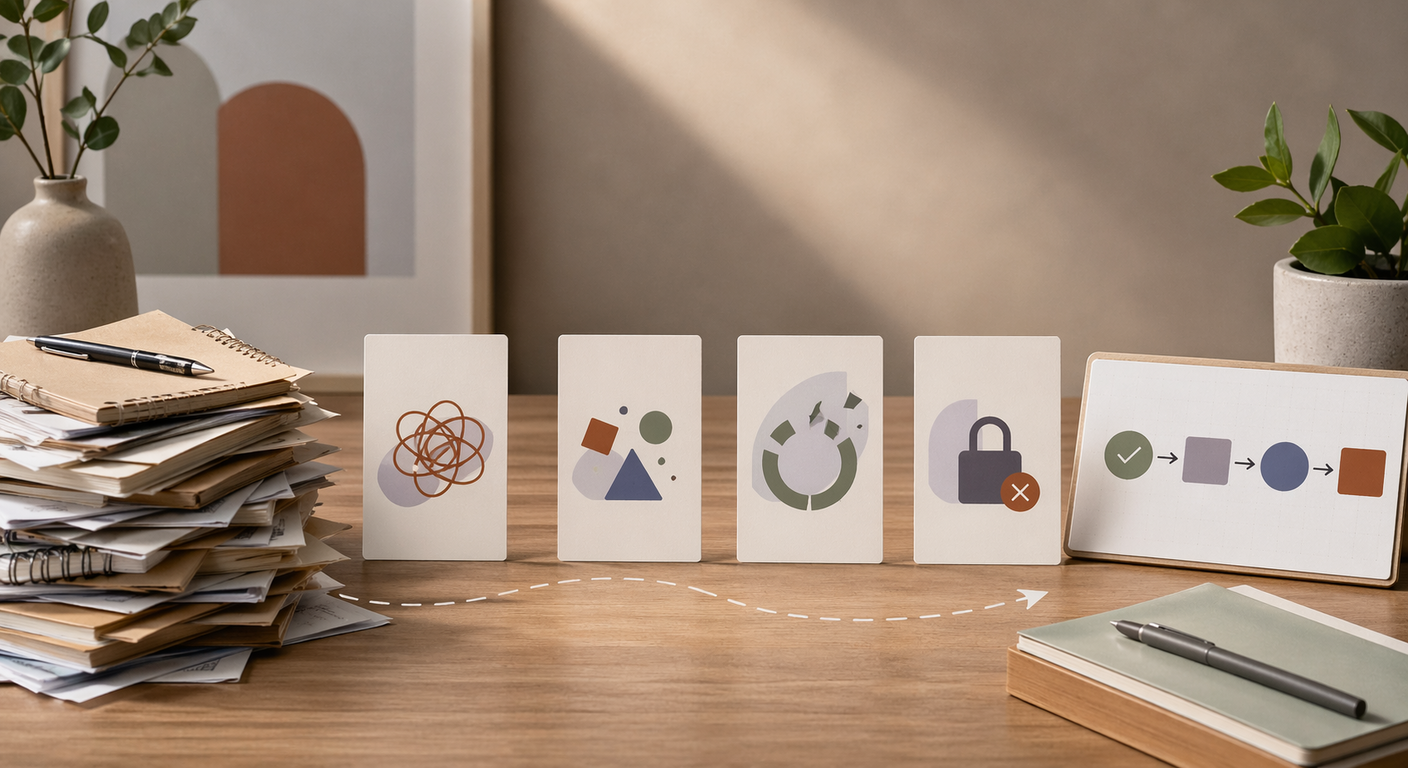
The problem isn't laziness or lack of options. It's a set of beliefs that sound reasonable but quietly keep you stuck. Here are four of them.
Myth 1: "Automation tools are too expensive for a solo business"
This one made sense in 2018. It doesn't anymore.
Calendly's free tier handles unlimited one-on-one scheduling. Wave gives you invoicing, receipt scanning, and payment tracking at no cost. Zapier's free plan connects your apps with 100 tasks per month, which is more than enough to start. Google Sheets plus Google Forms can replace half the intake processes freelancers do by hand.
The real expense isn't the tool. It's the 5-10 hours a week you spend on tasks these tools handle for free. At $75/hour, that's $375 to $750 a week in lost billable time.
Most freelancers spend more on coffee each month than they'd spend on automation.
Instead: Pick one task you repeat weekly. Search for a free tool that handles it. Most categories (scheduling, invoicing, form collection, email sequences) have solid free options. You can always upgrade later if you outgrow the free tier.
Myth 2: "My clients will notice and it'll feel impersonal"
This is the big one. Freelancers sell relationships. The fear is that automation turns you into a faceless machine that sends generic emails and forgets people's names.
But here's what clients actually notice: whether you respond quickly, whether the process feels smooth, and whether you deliver on time. They don't notice (or care) that your booking page is Calendly instead of a hand-typed email. They don't know your welcome packet was triggered automatically instead of copy-pasted from a template.
In fact, automation usually makes the experience feel more professional, not less. A client who books a call through your scheduling link, receives a confirmation with a prep questionnaire, and gets a follow-up summary afterward feels taken care of. A client who waits two days for you to find a time slot and then gets a rushed email feels like an afterthought.
The personal touch isn't in the delivery mechanism. It's in the content, the tone, and the care you put into designing the experience once.
Instead: Automate the delivery, personalize the content. Write your onboarding email the way you'd write it by hand, then let a tool send it at the right time. Your clients get the same warmth with better consistency.
Myth 3: "My business is too unique to automate"
Every freelancer thinks this. Very few are right.
Yes, your design process is different from the copywriter down the street. Your client mix is unusual. Your workflow has quirks. But the admin tasks surrounding your creative work are remarkably similar across industries: sending invoices, scheduling calls, collecting project briefs, following up on late payments, organizing files, tracking expenses.
Nobody is suggesting you automate the creative work. That's yours. But the 40% of your week that's spent on repetitive admin? That looks the same whether you're a photographer, a UX consultant, or a tax preparer.
A useful reframe: you're not automating your business. You're automating the boring parts so you have more time for the parts that actually are unique.
Instead: List every task you did last week. Circle the ones that required your specific expertise or creative judgment. Everything else is a candidate. You'll probably circle fewer tasks than you expect.
Myth 4: "I need to learn to code first"
This one stops people before they even start looking.
Ten years ago, automation meant writing scripts or hiring a developer. Today, most automation tools are designed specifically for people who don't code. Zapier, Make, and similar platforms use visual interfaces where you connect apps by clicking, not programming. The setup looks more like filling out a form than writing software.
Can you use a spreadsheet? Can you write an email? Then you can set up an automation. The learning curve is real but short. Most freelancers get their first automation running in under an hour.
The more honest version of this myth is usually "I don't want to learn a new tool." That's fair. But the time you spend learning Zapier once is less than the time you'll spend this month doing the task manually. And next month. And the month after that.
Instead: Start with the simplest possible automation. Something like: "When someone fills out my contact form, send me a Slack notification and add their info to a spreadsheet." That takes about 20 minutes to set up in Zapier and saves you from checking your email every hour for new inquiries.
The Common Thread
All four myths share the same root: overestimating the cost of starting and underestimating the cost of not starting.
Automation isn't expensive. It isn't impersonal. It isn't only for complex businesses or technical people. The tools are free, the setup is simple, and the payoff shows up in your first week.
The freelancers who automate aren't more technical than you. They just got tired of doing the same task for the 50th time and finally spent 30 minutes fixing it.
Which of these myths has been holding you back?