How to Build a Morning Brief That Runs While You Sleep
Most people start their day in reactive mode. Open the laptop, check email, get pulled into whatever landed overnight. By the time you look at your calendar, you're already behind.
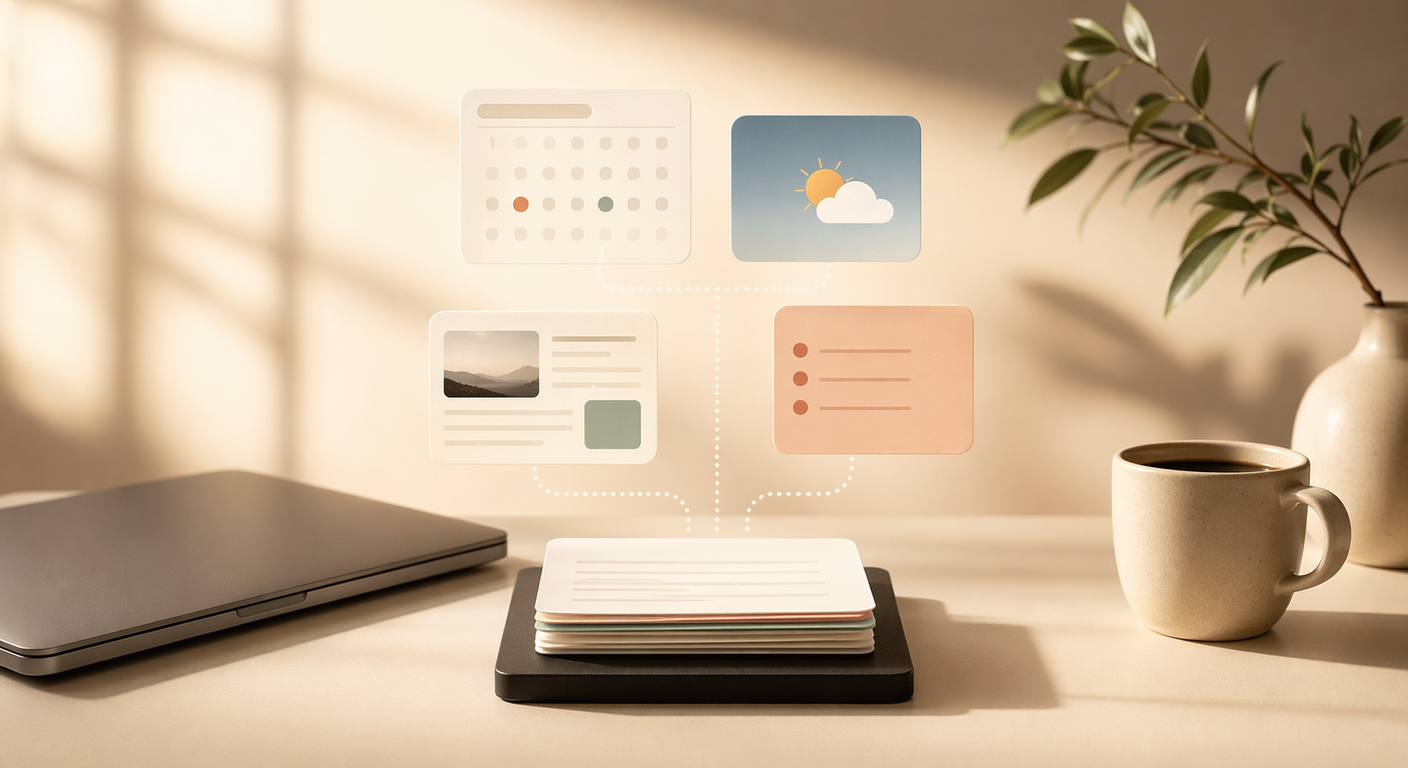
A morning brief flips that. You wake up to a single message with everything you need to know: what's on your calendar, what the weather looks like, what happened overnight in your industry, and what actually matters today. It takes about 2 minutes to read over coffee.
Here's how to build one.
What Goes In a Morning Brief
At minimum, four sections:
1. Calendar summary. Not a raw data dump. Pull events for the next 24 hours and extract the useful bits: start time, who's attending, location or video link. Skip "free" slots and focus on things that require your presence.
2. Weather. One paragraph. Temperature range, precipitation chance, anything unusual. Open-Meteo is free and doesn't need an API key, which makes it the path of least resistance.
3. Filtered news. This is where the LLM earns its keep. You don't want every headline. You want 3-5 stories relevant to your work, each with a one-sentence summary explaining why it matters to you specifically. Define your filter: "SaaS founder building AI tools" is more useful than "tech news."
4. Priority list. The brief ends with "if you only do 3 things today, do these." The LLM generates this from your calendar, any incomplete tasks, and upcoming deadlines. It forces a decision about what matters before the day starts pulling you in twelve directions.
What the Output Actually Looks Like
Here's a real example of what arrives on Telegram at 7:00 AM:
TODAY'S SCHEDULE
- 9:00 AM: Team standup (Zoom)
- 11:00 AM: Discovery call with potential client
- 2:00 PM: 1:1 with developer (bi-weekly)

WEATHER (Berlin)
Partly cloudy. High 12C, Low 5C. Rain unlikely.

TOP STORIES
1. MiniMax M2.5 released, significant coding improvements.
   Worth testing for dev automation workflows.
2. Stripe launches AI invoice parsing.
   Competitive signal for anyone in the automation space.
3. OpenClaw hits 50k installs.
   Community now has 200+ shared skills.

IF YOU ONLY DO 3 THINGS TODAY
1. Finish API integration (you're at 80%)
2. Send follow-up to the enterprise lead from Tuesday
3. Review the PR before end of day
Two minutes to read. Full context for the day.
The Prompt
The entire automation runs on a single scheduled prompt. Here's the template:
Every day at 7:00 AM, generate a morning brief.
- Pull my calendar for the next 24 hours. List meetings with start time, attendees, and location.
- Pull weather for [your city] and summarize in one short paragraph.
- Scan major tech/AI news and pick 3-5 headlines relevant to [your role/industry]. Write a one-sentence summary per story.
- End with a 3-item "if you only do three things today, do these" list based on my calendar and any known deadlines.
That's the whole thing. The LLM handles the rest: connecting to APIs, filtering, writing the summary.
How It Works Technically
Four steps execute in sequence when the scheduled job fires:
Step 1: Calendar. Connect to Google Calendar via API. Fetch events for the next 24 hours. Extract start time, end time, attendee names, location or video link.
Step 2: Weather. Hit the Open-Meteo API (free, no key required). Fetch current conditions plus forecast. Generate a one-paragraph summary. Flag extreme weather proactively.
Step 3: News. Scan sources like Hacker News, TechCrunch, and relevant industry sites. Filter based on your configured interests. Pick the top 3-5 stories with actual relevance to your work. Write concise summaries, not just headlines.
Step 4: Priorities. Look at today's calendar, any incomplete tasks (if connected to a task manager), and upcoming deadlines. Generate the top-3 priority list.
The output goes to whatever messaging platform you use — for us, that's Telegram.
Time Recovered
| Task | Without automation | With automation |
|---|---|---|
| Checking calendar | 3 min | 0 |
| Checking weather | 2 min | 0 |
| Scanning news | 10 min | 0 |
| Deciding priorities | 5 min | 0 |
| Total | ~20 min | ~2 min (reading the brief) |
The real value isn't the 18 minutes. It's starting the day with context instead of scrambling to build it. You skip the reactive spiral of email-Twitter-calendar-email and go straight to knowing what matters.
Customization Ideas
The four-section template is a starting point. Some useful additions:
- Crypto prices if you track markets
- Task manager summary from Things, Notion, Linear, or similar
- GitHub notifications for PRs waiting on you or CI failures
- Social media mentions if you need to know who tagged you
- Fitness data if your wearable has an API
The prompt is yours to shape. Add what's useful, cut what's noise.
Common Mistakes
Too much information. If the brief takes 10 minutes to read, it defeats the purpose. Keep it scannable. Three to five news items, not fifteen.
No priority filter on news. "Top tech news" is too broad. Be specific about your industry and role so the LLM filters aggressively.
Running it too late. The brief should be waiting for you when you wake up, not generated when you ask for it. Schedule it 30-60 minutes before your usual wake time.
Skipping the priority list. The calendar summary tells you what's scheduled. The priority list tells you what matters. These are different things.
Getting Started
- Pick your delivery platform (Telegram or email).
- Set up API access for your calendar and any other data sources.
- Write your prompt using the template above, customized to your role.
- Schedule it to run every day, 30-60 minutes before you wake up.
- Run it for a week, then adjust. You'll quickly learn what's useful and what's clutter.
The morning brief is one of those automations that seems small until you've had it for a week. Then you can't imagine starting your day without it.