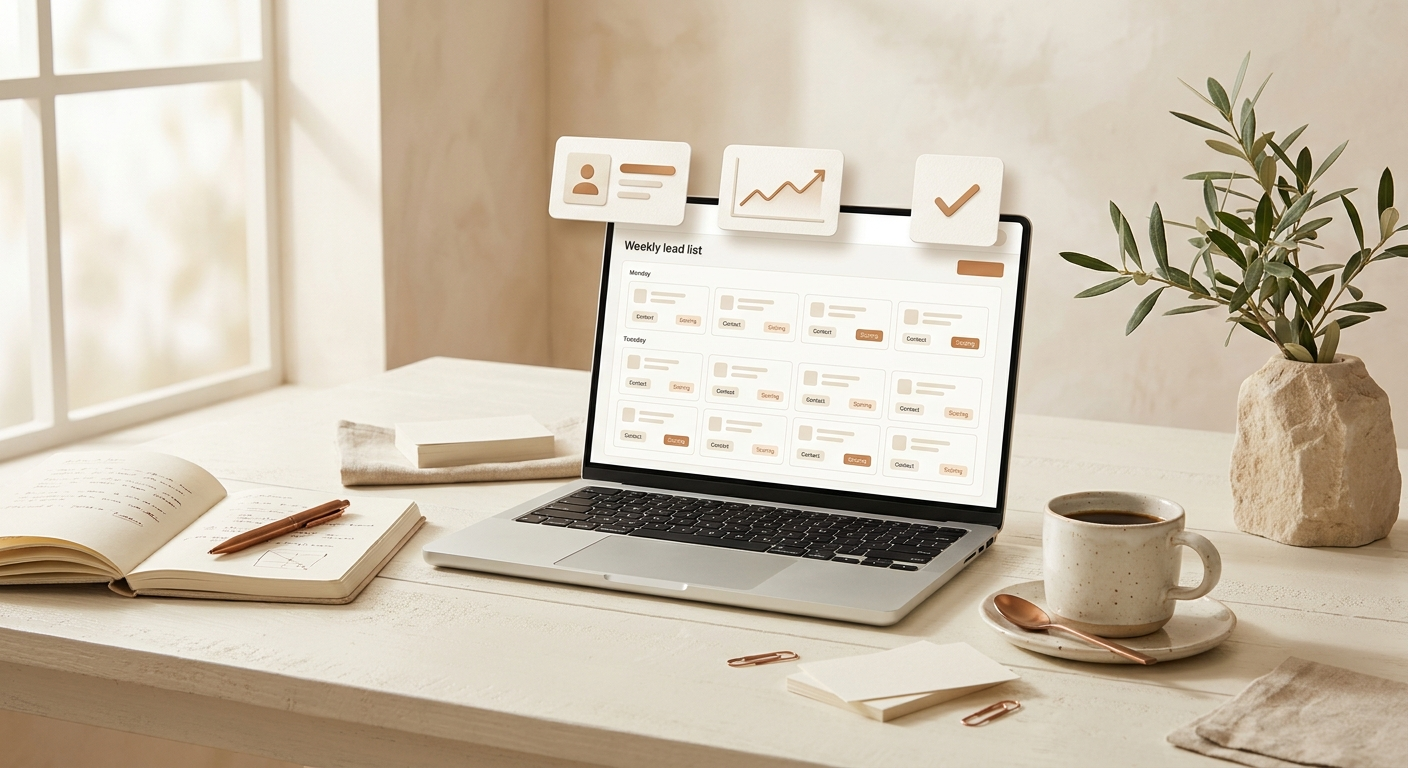
Lead generation is the task most solo founders hate doing, and most can't afford to outsource. So they alternate between feast and famine: two weeks of pitching, three weeks of delivery, then back to scrambling for the next round.
A lead-generation system fixes that. Not a tool you check every day. A schedule that runs every week, gathers prospects, filters out the obvious mismatches, and drops a short list on your desk Monday morning. Built right, it takes 60 minutes to set up and 10 minutes a week to maintain.
Here's how to build one.
Step 1: Define what "qualified" means before you touch a tool
Most lead-gen efforts fail at the same place: the founder doesn't actually know who their best customer is. They say "anyone who needs my service" and end up scoring everyone with a pulse a 7/10.
Before opening a single tool, write down five attributes that describe a great-fit lead. Not preferences. Facts you can verify from public data.
For a freelance designer, that might be:
- Company size: 5 to 50 employees
- Industry: SaaS or e-commerce
- Funding stage: bootstrapped or Series A
- Has a website that looks ten years old
- Job listings include "marketing" or "growth"
These five fields are what your automation will check. If a lead doesn't match three of them, it gets dropped before you ever see it.
This is the most boring step. It's also the only one that matters.
Step 2: Pick three sources, no more
A common mistake is hooking the system into every database you can find. LinkedIn, Crunchbase, Apollo, BuiltWith, plus three Twitter scrapers and a Substack reader. The list grows, the noise grows, and the quality stays the same.
Pick three sources, maximum. They should be:
- A primary source where your ideal lead actually shows up
- A secondary source for context (what they recently posted, hired, or launched)
- A third source for verification (does the contact info check out)
For B2B services aimed at small companies, the boring answer wins: LinkedIn for the primary signal, the company website for context, and a tool like Hunter or Clearbit for the contact verification. You don't need anything more exotic. You need one signal that's fresh and one channel that's reachable.
Step 3: Write the filter in plain English
This is where automations either save you hours or generate noise. The filter is a prompt your AI runs against every potential lead. It decides which ones make it through.
Bad filter: "Find me good leads in tech."
Good filter:
"For each company in this list, check the website for: company size between 5 and 50 employees, industry SaaS or e-commerce, recent activity within the last 60 days. If three of these match, score the lead 'A'. If two match, score 'B'. If fewer than two match, drop the lead. Return only A and B leads with a one-sentence reason."
The good filter passes three tests. It's specific (numeric ranges, named industries). It produces a yes/no answer for each criterion. It tells the AI what to do when criteria don't match. The output is short enough to scan in 30 seconds.
A useful trick: write the filter for your easiest-to-reject lead first. If the prompt correctly says no to that one, it's probably correct on the harder cases too.
Step 4: Set the schedule and the cap
The system should run every week on a fixed day. Sunday night works well. By Monday morning, your list is sitting in your inbox or a Notion page, ready for review during your first coffee.
Set a hard cap on how many leads it returns. Ten is a good ceiling for a solo founder. Twenty starts to feel like work. Fifty means you'll skim and miss the good ones.
The cap is non-negotiable. If the system has 23 candidates and your cap is 10, the AI ranks them and gives you the top 10. You never see the other 13. The point is not to find every possible lead. The point is to give you a manageable batch you'll actually act on.
Step 5: Build the delivery format around how you'll actually use it
You're going to read this list while you're making coffee or sitting on the train. It needs to fit that. Not a spreadsheet with 14 columns. Not a Google Doc that requires three clicks to expand.
What works: a short message with each lead in a fixed format.
LEAD #3: Acme Tools  |  Score: A
SaaS, 18 employees, raised €2M in March
Trigger: posted a "looking for fractional designer" tweet last Tuesday
Contact: hannah@acme.tools (verified)
Suggested opening: reference the fractional designer post
Five lines per lead. You can read ten of them in two minutes. By the time you finish your coffee, you know which ones to message.
For the delivery channel: email or Telegram both work. Pick the one you check first thing on Monday. If you don't check it before noon, the system has already failed.
Step 6: Keep the reply step human
This is the part most automation guides get wrong. They tell you to automate the outreach too. Don't.
Personalized outreach is the one thing that still moves the needle in cold pitching, and it's the one thing AI is bad at. Not because the AI can't write. Because the trigger that made you message this person, the specific reason you're reaching out today, is something you noticed during the 30-second skim. The automation found the lead. You found the angle.
Keep the human loop short and protected:
- Read the ten leads on Monday morning
- Pick three that have a clear angle
- Send three personalized messages, each under 60 seconds to write
- Drop the other seven into a "maybe later" folder
Three messages a week is 12 a month. If your offer is decent, that's enough to keep a solo business booked.
The math
Without a system, lead-gen looks like this for a typical solo founder:
- 3 hours of LinkedIn searching, twice a month: 6 hours
- 1 hour cleaning the list and copying into a doc, twice a month: 2 hours
- 30 minutes researching each of 10 leads: 5 hours
- Writing 10 messages: 2 hours
Total: 15 hours a month, repeated forever.
With the system above:
- 60 minutes to set up the filter, sources, and delivery (one-time)
- 10 minutes a week to review and message: 40 minutes a month
Total after the first month: under an hour a month, every month.
That's 14 hours back. At a conservative €60/hour, the system pays for itself in week one.
How to start
Don't try to build the whole thing in a single afternoon. Do it in three sessions:
- Session one (30 minutes): definition. Write your five qualifying criteria. Pick your three sources. Don't open any tools yet.
- Session two (45 minutes): filter and delivery. Write the filter prompt. Set up the schedule. Run it once manually to see what comes out. Adjust the prompt if the output is noisy.
- Session three (15 minutes): review. Read the first batch on Monday. Note what was wrong, fix the filter, and let it run again.
By week three, the system is dialed in and you've stopped doing lead-gen by hand.
The only question worth asking now: which task on your list is eating the most hours and producing the least specific output? That's the one to start with. Lead-gen, research, follow-ups, reporting. Pick one. Build the system. Move on.